
Effective Tips for Creating a Productive Home Office Space
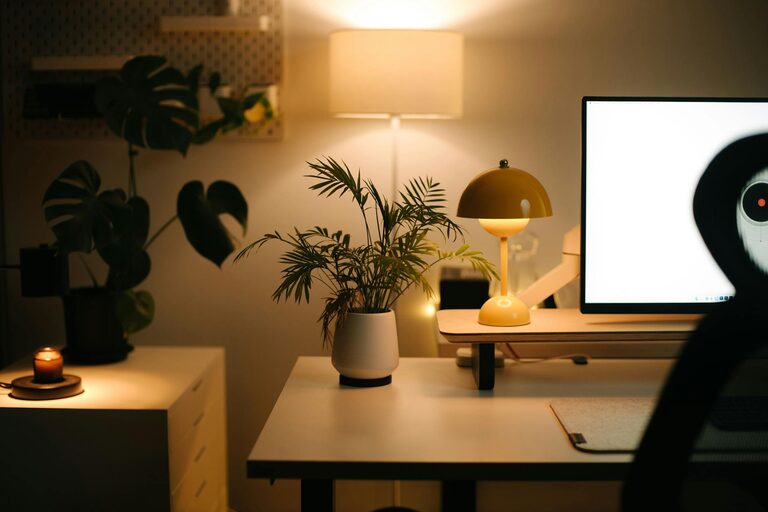
Working from home has become increasingly common, making a well-designed and productive home office essential. Creating a space where you can focus, feel comfortable, and stay organized helps improve work efficiency and reduces stress. Here are some helpful tips to design a home office that supports productivity and well-being.
Choose the Right Location
Find a Quiet, Dedicated Space
Select a spot in your home with minimal distractions and good natural light. Ideally, the space should be separate from high-traffic areas to help you stay focused. If a separate room isn’t possible, consider using room dividers or screens to create a designated workspace.
Consider Accessibility and Comfort
Make sure the location is easy to access and close to necessary resources, such as your internet router or power outlets. Avoid spots that require constant walking past or interrupting family members.
Invest in Ergonomic Furniture
Select a Comfortable Chair
An adjustable chair with good lumbar support can prevent back pain and improve posture. Your chair should allow your feet to rest flat on the floor and keep your knees at a right angle while sitting.
Choose an Appropriate Desk
A desk at the right height helps reduce strain on your wrists and shoulders. Some prefer standing desks, which can be adjusted to allow alternating between sitting and standing, promoting better circulation.
Optimize Lighting
Utilize Natural Light
Position your desk near a window to benefit from natural daylight, which can enhance mood and alertness. Avoid glare on your computer screen by angling your desk appropriately.
Add Task Lighting
Supplement natural light with adjustable desk lamps or overhead lights to prevent eye strain, especially during evening hours or on cloudy days.
Organize Your Workspace
Declutter Regularly
Keep only essential items on your desk to maintain a clean environment. Use storage bins or shelves for paperwork and supplies, creating a clutter-free space.
Use Organizational Tools
Consider drawer organizers, file holders, and cable management solutions to keep your workspace tidy and efficient.
Minimize Distractions
Limit Noise
Use noise-canceling headphones or white noise machines to block out background sounds. Communicate your work hours clearly to household members to reduce interruptions.
Manage Digital Interruptions
Turn off non-essential notifications on your devices. Use apps that block distracting websites during focused work sessions.
Incorporate Personal Touches
Add Plants or Artwork
Including items you enjoy can make your workspace more inviting and boost motivation. Plants also improve air quality and offer a calming effect.
Maintain Comfort
Adjust the room temperature and add cozy elements like cushions or rugs to create a welcoming atmosphere.
Create a Routine and Boundaries
Set Clear Working Hours
Define specific times to start and stop working. This helps create structure and balance between work and personal life.
Take Breaks
Schedule short breaks to stretch or take a walk. Regular breaks can improve concentration and reduce fatigue.
Use Technology Wisely
Ensure Reliable Equipment
Invest in a good-quality computer, headset, and internet connection to avoid interruptions in your work.
Utilize Productivity Apps
Apps for task management, calendars, and note-taking can keep your workflow organized and efficient.
—
Designing a productive home office takes thoughtful planning, but with these tips, you can create a functional and enjoyable workspace tailored to your needs. A well-arranged office not only enhances productivity but also contributes to your overall work satisfaction and well-being.
Related Post
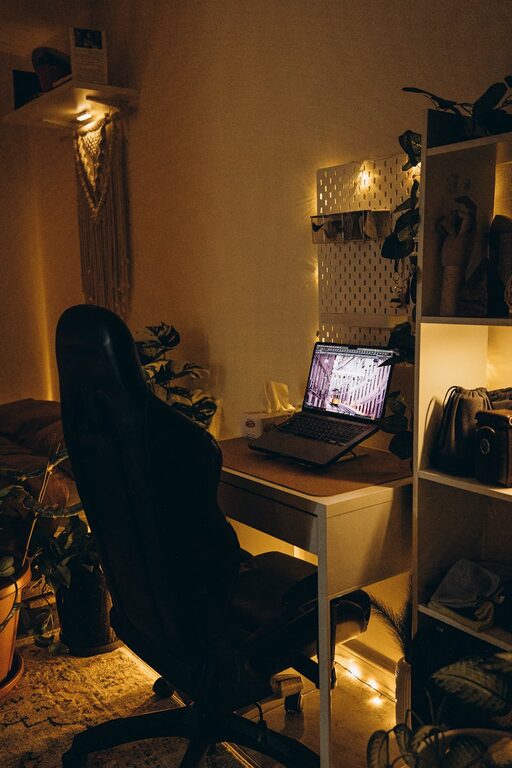
Tips for Creating a Relaxing Home Office Environment
Discover practical tips to design a calming and productive home office that boosts your focus [...]
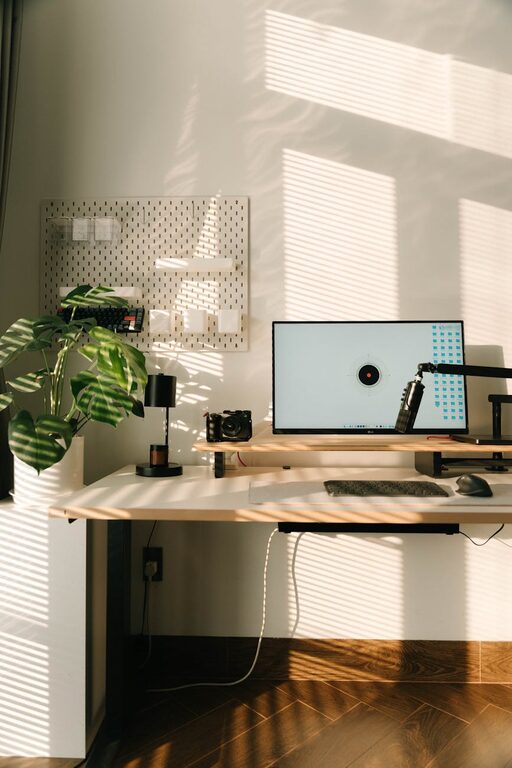
Tips for Creating a Relaxing Home Workspace to Boost Productivity
Discover simple and effective ways to design a calming home workspace that enhances focus and [...]
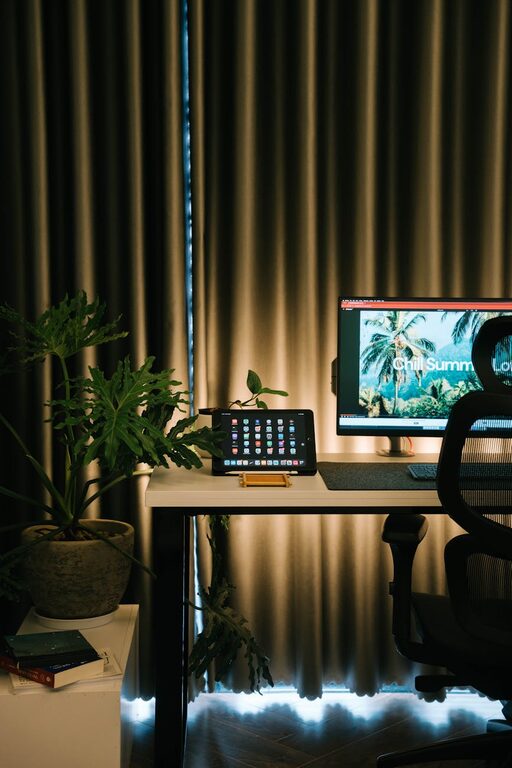
Tips for Creating a Cozy and Inviting Home Office Space
Make your home office a welcoming and productive place with simple tips to add comfort, [...]