
Tips for Creating a Comfortable and Productive Home Office Space
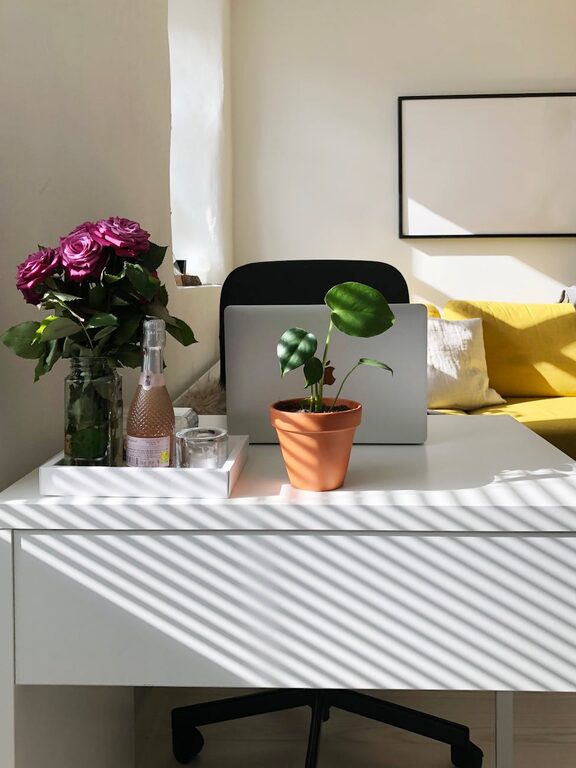
Creating a comfortable and productive home office space is essential for anyone working remotely or managing tasks from home. A well-designed workspace can help improve focus, reduce stress, and enhance overall efficiency. Whether you have a dedicated room or just a small corner, these practical tips will guide you in crafting an ideal home office environment.
Choose the Right Location
Your workspace location sets the foundation for productivity.
– Natural Light: Pick a spot near a window to benefit from natural light, which can boost mood and reduce eye strain.
– Quiet Area: Find a quiet corner away from high-traffic zones to minimize distractions.
– Ventilation: Ensure the space is well-ventilated to keep the air fresh and maintain comfort.
Invest in Ergonomic Furniture
Comfortable furniture supports long hours of work without discomfort.
– Ergonomic Chair: Choose a chair with adjustable height, lumbar support, and comfortable cushioning to protect your back.
– Desk Height: Your desk should allow your arms to rest comfortably at a 90-degree angle.
– Footrest: Consider a footrest if your feet don’t naturally reach the floor to improve posture.
Organize Your Workspace
Clutter can hamper focus and productivity.
– Storage Solutions: Use shelves, drawers, and organizers to keep documents and supplies tidy.
– Minimalism: Keep only essential items on your desk to create a clean and inviting space.
– Cable Management: Use clips or sleeves to organize cables and prevent tangling.
Optimize Lighting
Proper lighting reduces eye strain and helps maintain energy.
– Task Lighting: Add a desk lamp with adjustable brightness for focused work.
– Ambient Lighting: Use overhead or floor lamps to provide soft, overall lighting.
– Avoid Glare: Position your monitor and lights to prevent reflections that may cause discomfort.
Technology Setup
A reliable and efficient tech setup supports seamless work.
– Monitor Position: Place your monitor at eye level and about an arm’s length away to reduce neck strain.
– Keyboard and Mouse: Use ergonomic versions to minimize hand and wrist fatigue.
– Internet Connection: Ensure a strong and stable internet connection to avoid interruptions.
Personalize Your Space
Adding personal touches makes your office welcoming and motivating.
– Plants: Indoor plants improve air quality and add a calming element.
– Artwork: Hang inspiring pictures or quotes that uplift your mood.
– Colors: Choose colors that promote focus and calm, such as blues, greens, or neutrals.
Establish Boundaries
Maintaining work-life balance is easier with clear boundaries.
– Defined Hours: Set specific work hours to create routine and avoid burnout.
– Separate Work Area: Physically separate your office space from living areas if possible.
– Signal to Others: Use signs or closed doors to indicate when you need uninterrupted work time.
Incorporate Break Areas
Short breaks enhance productivity and reduce fatigue.
– Comfortable Seating: Have a nearby chair or spot to relax during breaks.
– Stretching Space: Allow room to stretch or do simple exercises.
– Hydration Station: Keep water or healthy snacks within reach to stay energized.
Keep It Clean and Fresh
A tidy environment positively influences focus and well-being.
– Daily Tidying: Spend a few minutes decluttering at the end of each day.
– Regular Cleaning: Dust and vacuum regularly to maintain cleanliness.
– Fresh Air: Open windows when possible to circulate fresh air.
—
By thoughtfully designing your home office with these tips in mind, you can create a space that feels both comfortable and conducive to productivity. Remember, the best setup is one that suits your personal needs and helps you maintain balance between work and home life. Start experimenting with these ideas and enjoy a more efficient and pleasant work-from-home experience.
Related Post
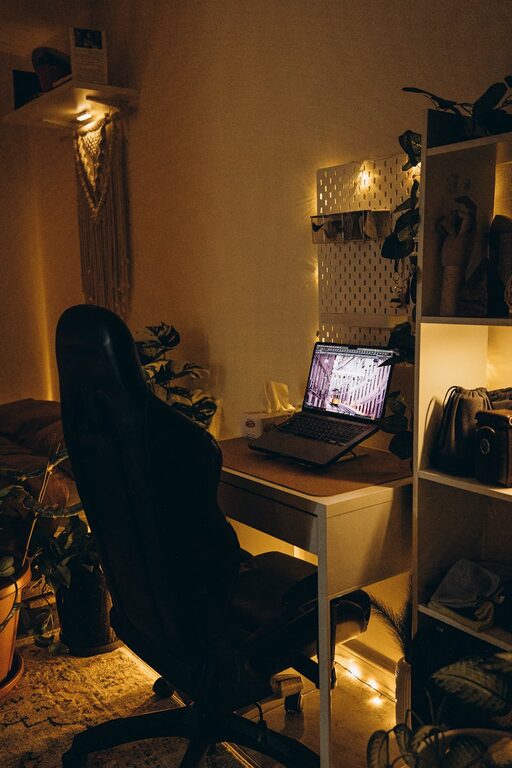
Tips for Creating a Relaxing Home Office Environment
Discover practical tips to design a calming and productive home office that boosts your focus [...]
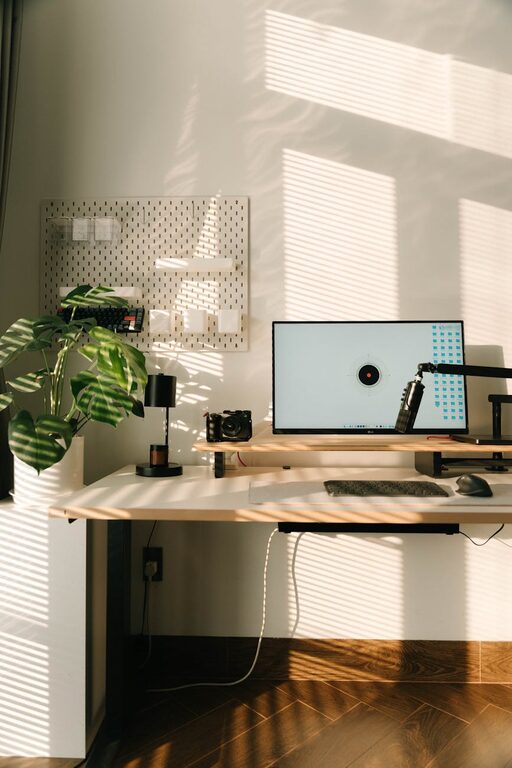
Tips for Creating a Relaxing Home Workspace to Boost Productivity
Discover simple and effective ways to design a calming home workspace that enhances focus and [...]
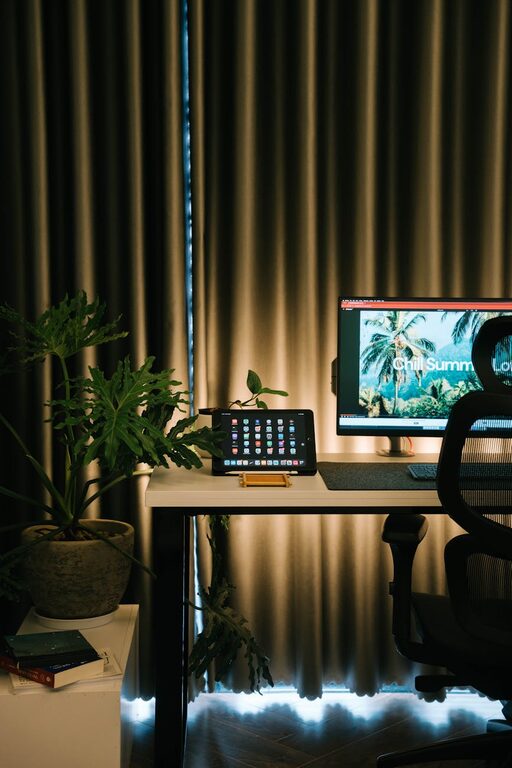
Tips for Creating a Cozy and Inviting Home Office Space
Make your home office a welcoming and productive place with simple tips to add comfort, [...]